Download CS 1.6 — Counter-Strike 1.6 for Windows 10/11
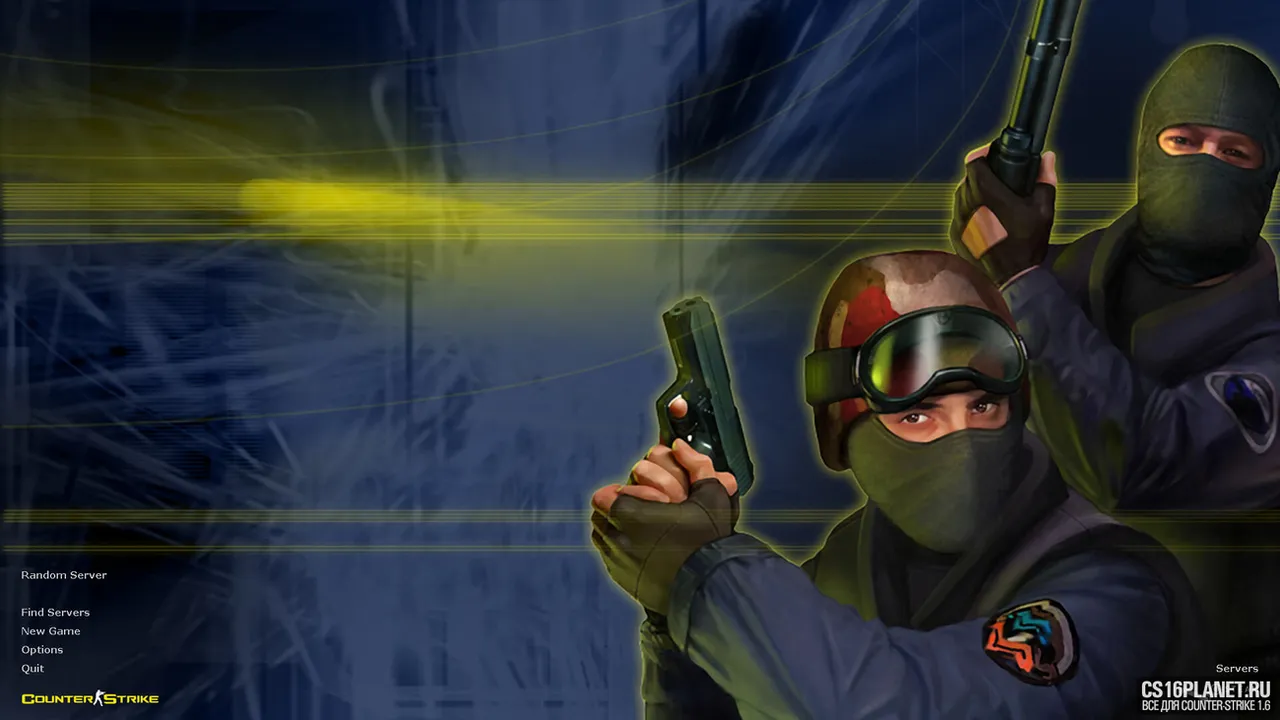
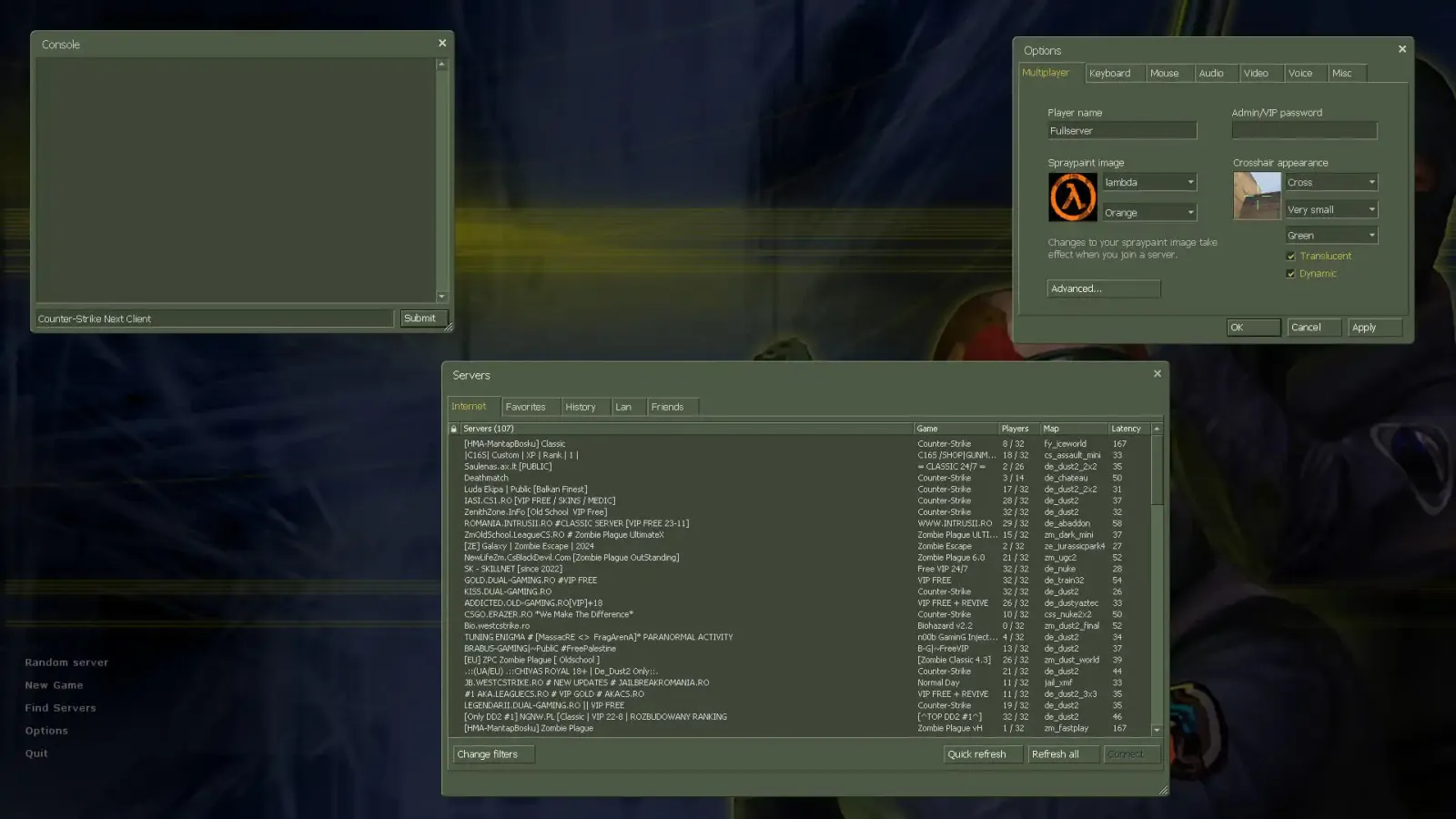
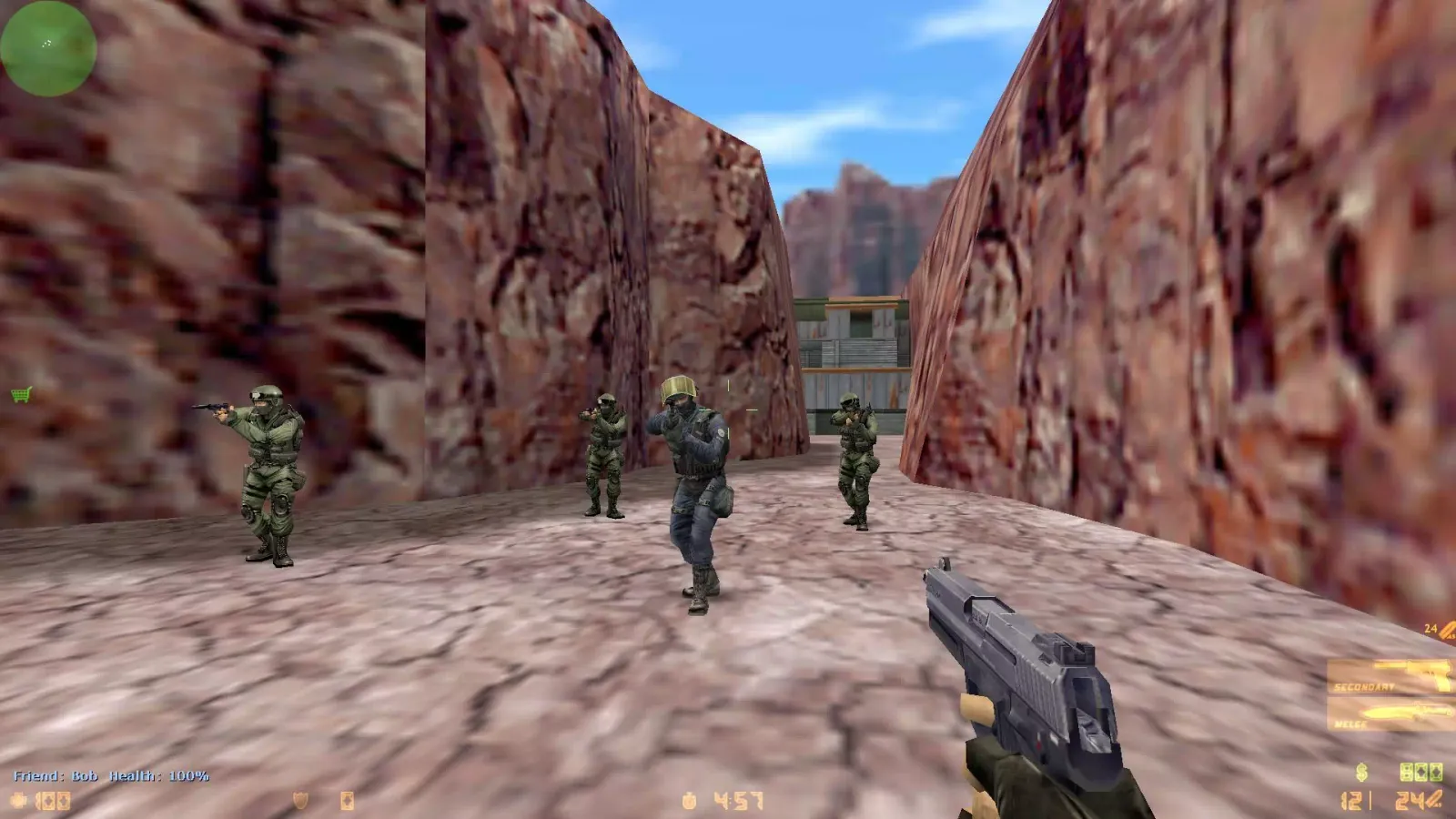
Choose your CS 1.6 build
CS 1.6 Original
Windows 7 · Windows 10 · Windows 11
CS 1.6 GO Edition
Windows 7 · Windows 10 · Windows 11
CS 1.6 Warzone Edition
Windows 7 · Windows 10 · Windows 11
CS 1.6 Cheater Edition
Windows 7 · Windows 10 · Windows 11
CS 1.6 with Bots
Windows 7 · Windows 10 · Windows 11
CS 1.6 Zombie Edition
Windows 7 · Windows 10 · Windows 11
CS 1.6 Portable
Windows 7 · Windows 10 · Windows 11
CS 1.6 Valorant Edition
Windows 7 · Windows 10 · Windows 11
CS 1.6 NextClient
Windows 10 · Windows 11
CS 1.6 NaVi Edition
Windows 7 · Windows 10 · Windows 11
CS 1.6 HD Edition
Windows 7 · Windows 10 · Windows 11
Counter-Strike 1.6 — still one of the most played shooters
Counter-Strike 1.6 came out in 2003, and more than twenty years later thousands of servers are still online every day. It runs on any PC, loads in seconds and plays exactly as fast and sharp as it did on LAN tournaments of the 2000s. That’s why people keep searching for a CS 1.6 download — to play on a laptop that can’t run CS2, to relive the old days on de_dust2, or to play zombie and jailbreak servers that exist only in 1.6.
On this page you can download CS 1.6 for free in several editions. All of them are the real Counter-Strike 1.6 — same maps, same weapons, same movement — packaged for modern Windows.
CS Launcher — the CS 1.6 launcher you were looking for
Searching for a CS 1.6 launcher or Counter-Strike 1.6 launcher? Every build here installs with a desktop shortcut that starts Counter-Strike 1.6 directly — no Steam, no account and no separate launcher app. CS Launcher is this site: we collect working builds for Windows 7, 10 and 11 and keep them in one place, with guides for everything after the download.
Which CS 1.6 build to download
- CS 1.6 Original — the clean classic game, nothing added. The best choice for most players.
- CS 1.6 GO Edition — CS:GO-style weapons, HUD and sounds on the 1.6 engine.
- CS 1.6 Warzone — a popular modern-friendly build with a server browser.
- CS 1.6 Zombie — zombie models and maps, Zombie Plague offline with bots.
- CS 1.6 Portable — no installation, runs from a USB stick.
Compare all editions on the CS 1.6 builds page.
What you get with every build
- Works on Windows 7, 10 and 11 — widescreen resolutions and stable 100 FPS.
- Bots for offline play — practice on any map without internet (bot commands).
- Online play — join public servers from the in-game browser (how to play CS 1.6 online).
- No Steam account needed — this is CS 1.6 non-Steam; differences are in Steam vs non-Steam.
- No bundled software — no toolbars or “offers” in the installer.
CS 1.6 system requirements
The official minimum is a 500 MHz CPU, 96 MB RAM and a 16 MB video card — any computer from the last fifteen years is enough. Recommended: 800 MHz CPU and 128 MB RAM. See the full system requirements.
How to install CS 1.6
- Click Download for free at the top of the page.
- Run the installer. If Windows shows “Windows protected your PC”, click More info → Run anyway.
- Choose an install folder with a Latin-only path, for example
C:\Games\CS16. - Start the game from the desktop shortcut, set your nickname and resolution in Options.
Problems? The installation guide covers the usual errors.
Play CS 1.6 on other devices
- Android phone — possible with the Xash3D FWGS engine: CS 1.6 on Android.
- Mac and Linux — see CS 1.6 for Mac and Linux.
- In the browser — there are web versions, with limits: play CS 1.6 online.
FAQ
Is CS 1.6 free to download?
Yes. Every Counter-Strike 1.6 build on this site is free. You don't need a Steam account or a CD key.
Does CS 1.6 work on Windows 10 and Windows 11?
Yes. The builds are set up for modern Windows: widescreen resolutions, stable FPS and no compatibility mode needed. If you see a black screen, switch the video mode to OpenGL.
Can I play CS 1.6 online with this download?
Yes. Open Find Servers in the game menu or type connect with a server IP in the console. Most public servers accept non-Steam clients.
Is there CS 1.6 with bots?
All builds include ZBot for offline play. Start a New Game, pick a map and add bots.
How big is the CS 1.6 download?
Counter-Strike 1.6 is small by today's standards — a few hundred megabytes, depending on the build and the skins it includes.
Which CS 1.6 version should I download?
For the classic game take the Original. If you want CS:GO-style weapons choose the GO Edition, for zombie servers the Zombie Edition, and for a USB stick the Portable.