CS 1.6 Original — Clean Counter-Strike 1.6 Download
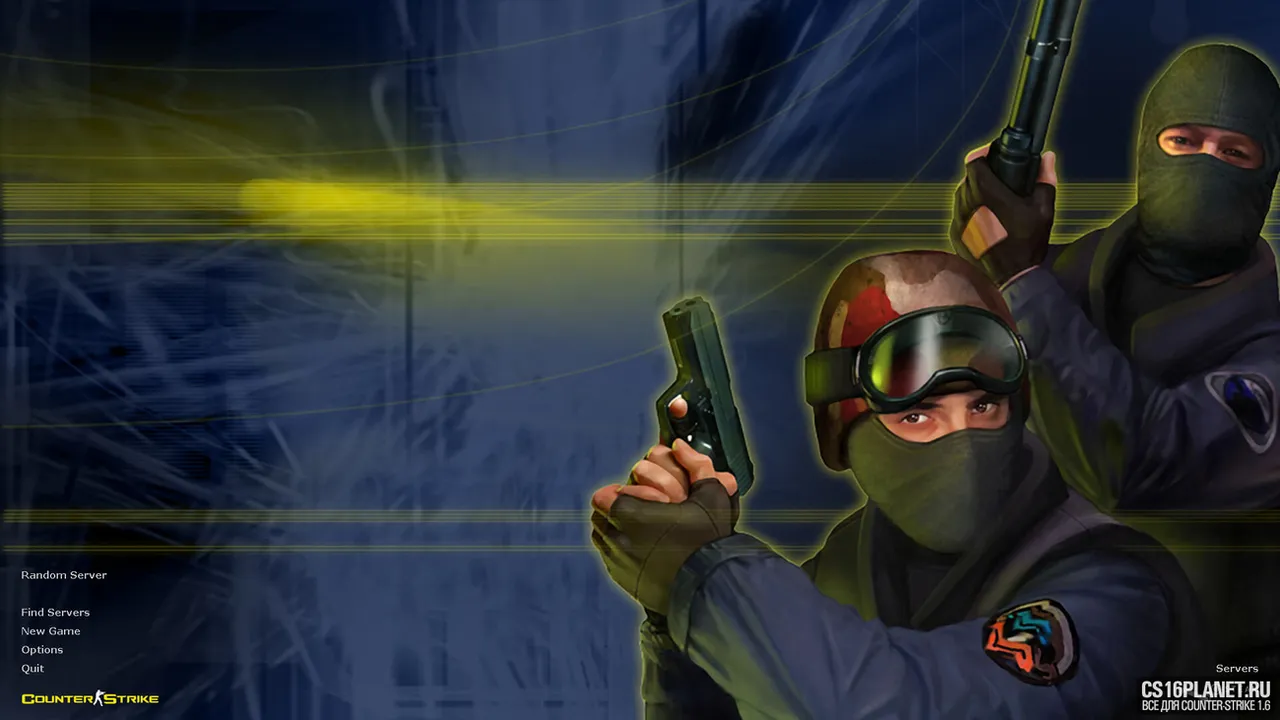
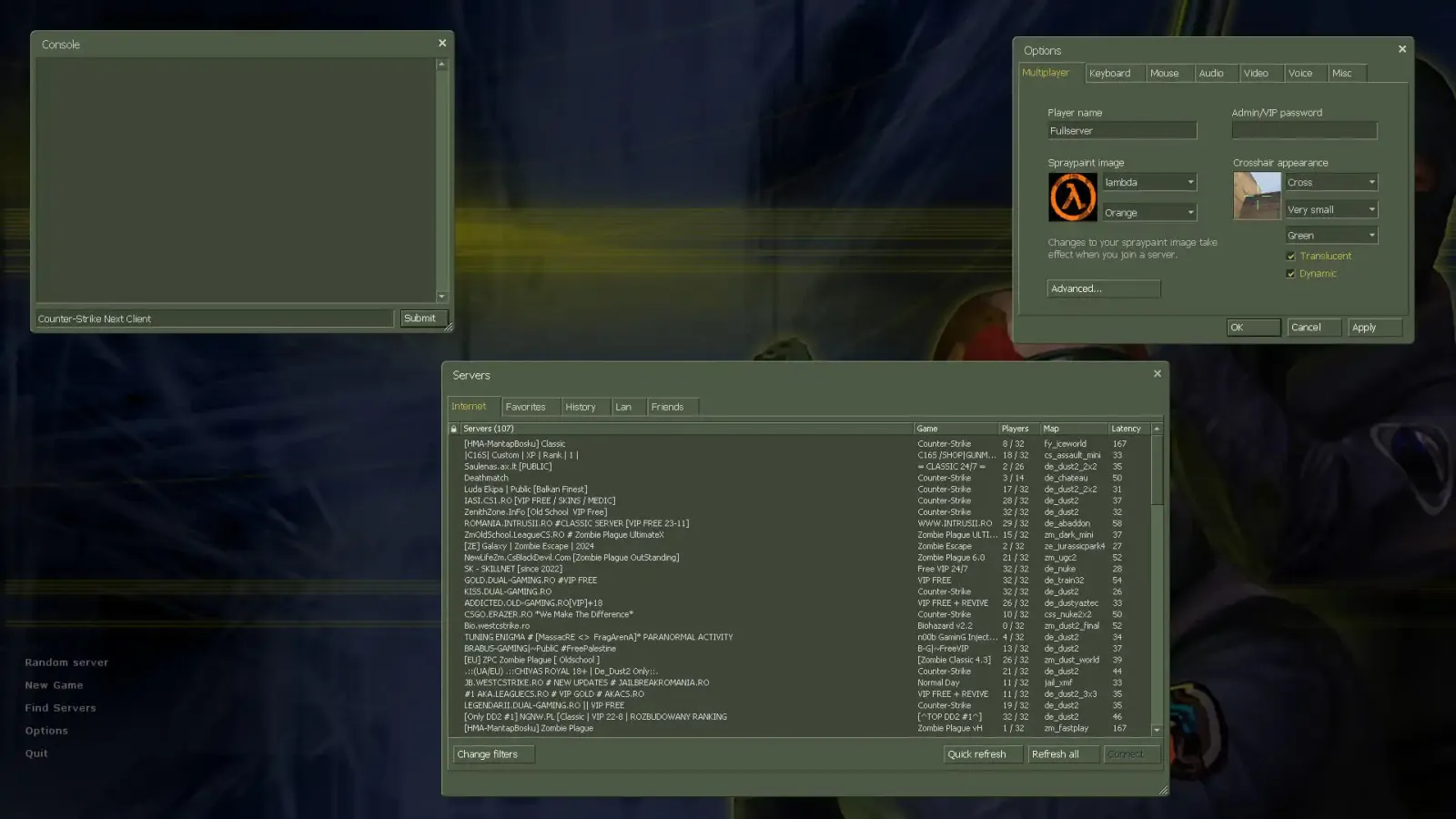
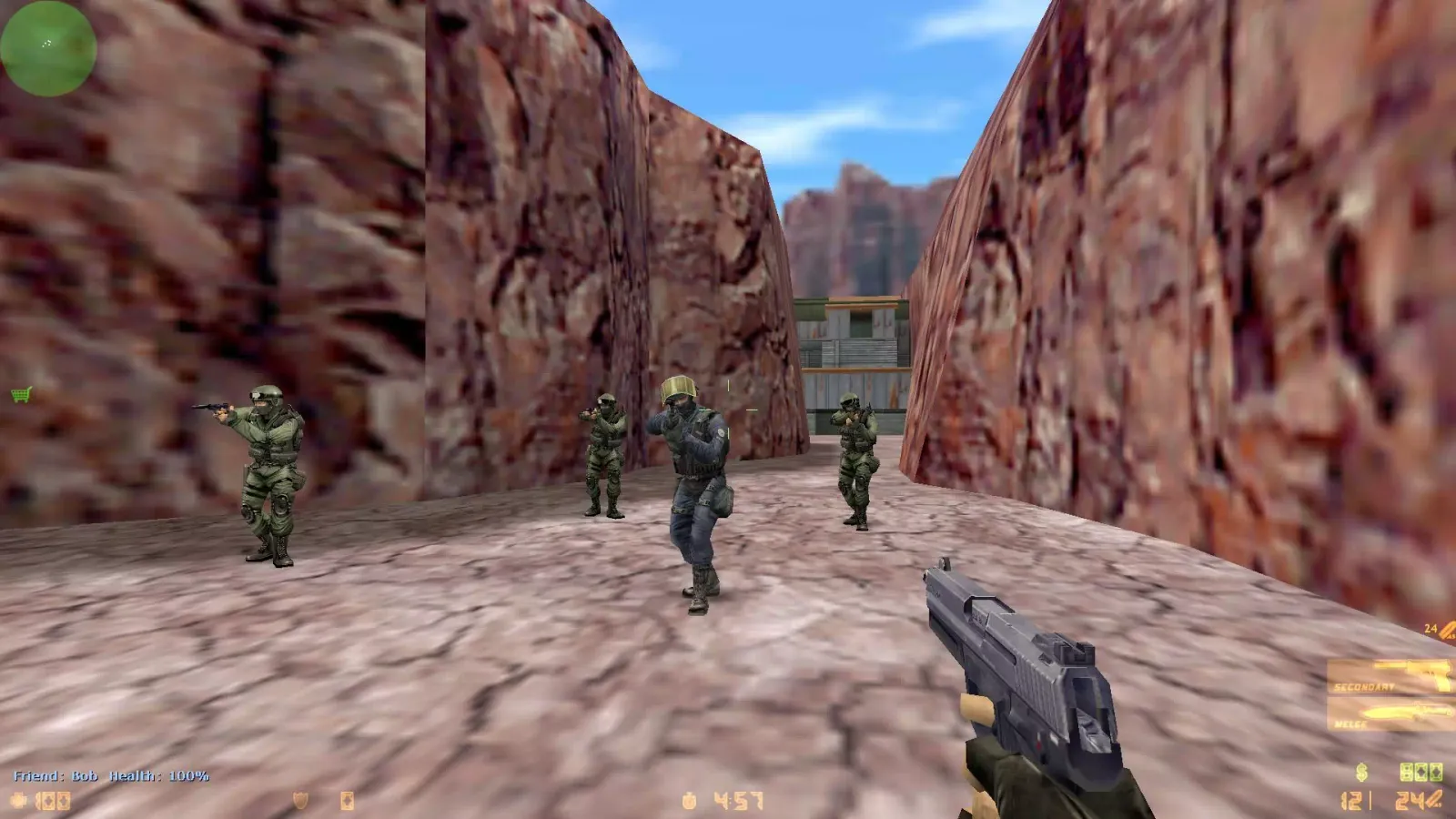
CS 1.6 Original is Counter-Strike 1.6 the way it was released in 2003: the classic maps, the original player and weapon models, the original sounds and HUD. No custom skins, no ads in the menu, no changed recoil — just a clean Counter-Strike 1.6 that installs in a couple of minutes and runs on any modern PC.
If you want to download CS 1.6 without extras and play it like on the tournaments of the 2000s, this is the build to start with. It is also the best base if you plan to install your own config, maps or skins later.
What “original” means in this build
- Classic content. de_dust2, de_inferno, de_nuke, de_train, cs_office, cs_italy, de_aztec and the rest of the standard map pool, with the default models and textures.
- Clean install. No browser toolbars, no bundled programs, no forced server lists in the menu.
- Protocol 48. The build uses the current protocol, so it connects to modern servers, including ones that run ReHLDS.
- Bots for offline play. ZBot is included and switched off by default — enable it from the “New Game” menu when you want to practice. See the bots guide for commands.
CS 1.6 Original vs other builds
| Build | Visuals | Best for |
|---|---|---|
| Original | Default 2003 models and HUD | Nostalgia, competitive practice, a clean base |
| GO Edition | CS:GO-style weapons and HUD | Players who like the modern look |
| HD Edition | High-detail models and textures | Better graphics on the same engine |
| Portable | Default | Playing from a USB stick, LAN parties |
System requirements
CS 1.6 runs on almost anything: the official minimum is a 500 MHz CPU, 96 MB of RAM and a 16 MB video card. Any laptop from the last 15 years handles it at a stable 100 FPS. Details are on the system requirements page.
How to install
- Click Download above and save the file.
- Run the installer (or unpack the archive) and choose a folder without Cyrillic or special characters in the path.
- Launch the game from the desktop shortcut, set your resolution and nickname in Options.
Something went wrong? The installation guide covers common errors step by step.
Build info
| Windows | Windows 7, Windows 10, Windows 11 |
|---|---|
| Protocol | 48 |
| File | .exe, 273 MB |
| SHA-256 | ee078094ed681b014ceeac8b48d920adeb676c8bae553f99e518c882a1d800e9 |
FAQ
Is this the same CS 1.6 as on Steam?
The gameplay, maps, weapons and physics are the same as in the Steam version. The build is non-Steam, so you don't need a Steam account to install it and play on servers that accept non-Steam clients.
Does the original CS 1.6 have bots?
The classic game shipped without bots. Our original build adds the standard ZBot so you can practice offline; you can ignore them and play only online.
Will it work on Windows 11?
Yes. The build is tested on Windows 7, 10 and 11. If you see a black screen or a wrong resolution on a modern monitor, switch the video mode to OpenGL in the options.
Similar builds
CS 1.6 GO Edition
Windows 7 · Windows 10 · Windows 11
CS 1.6 Warzone Edition
Windows 7 · Windows 10 · Windows 11
CS 1.6 Cheater Edition
Windows 7 · Windows 10 · Windows 11