Download CS 1.6 Portable (No Installation)
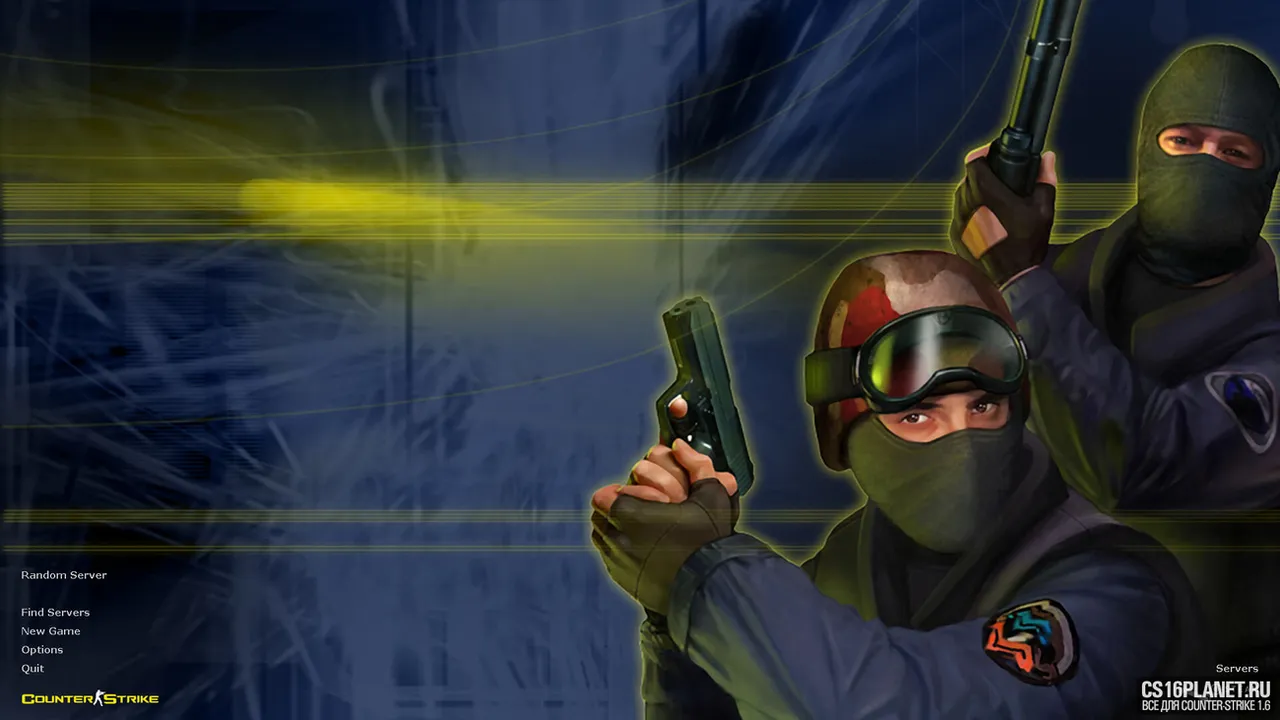
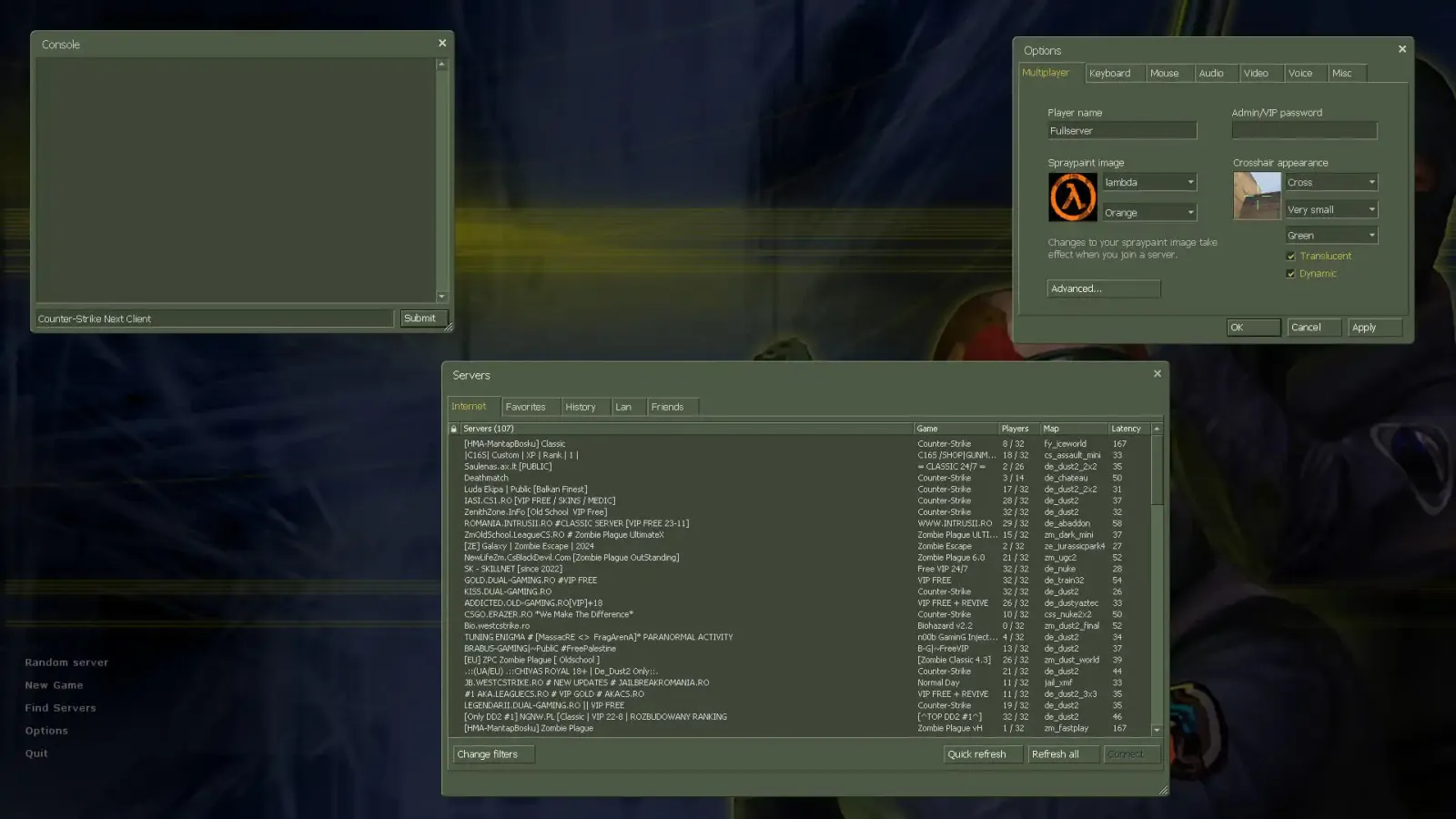
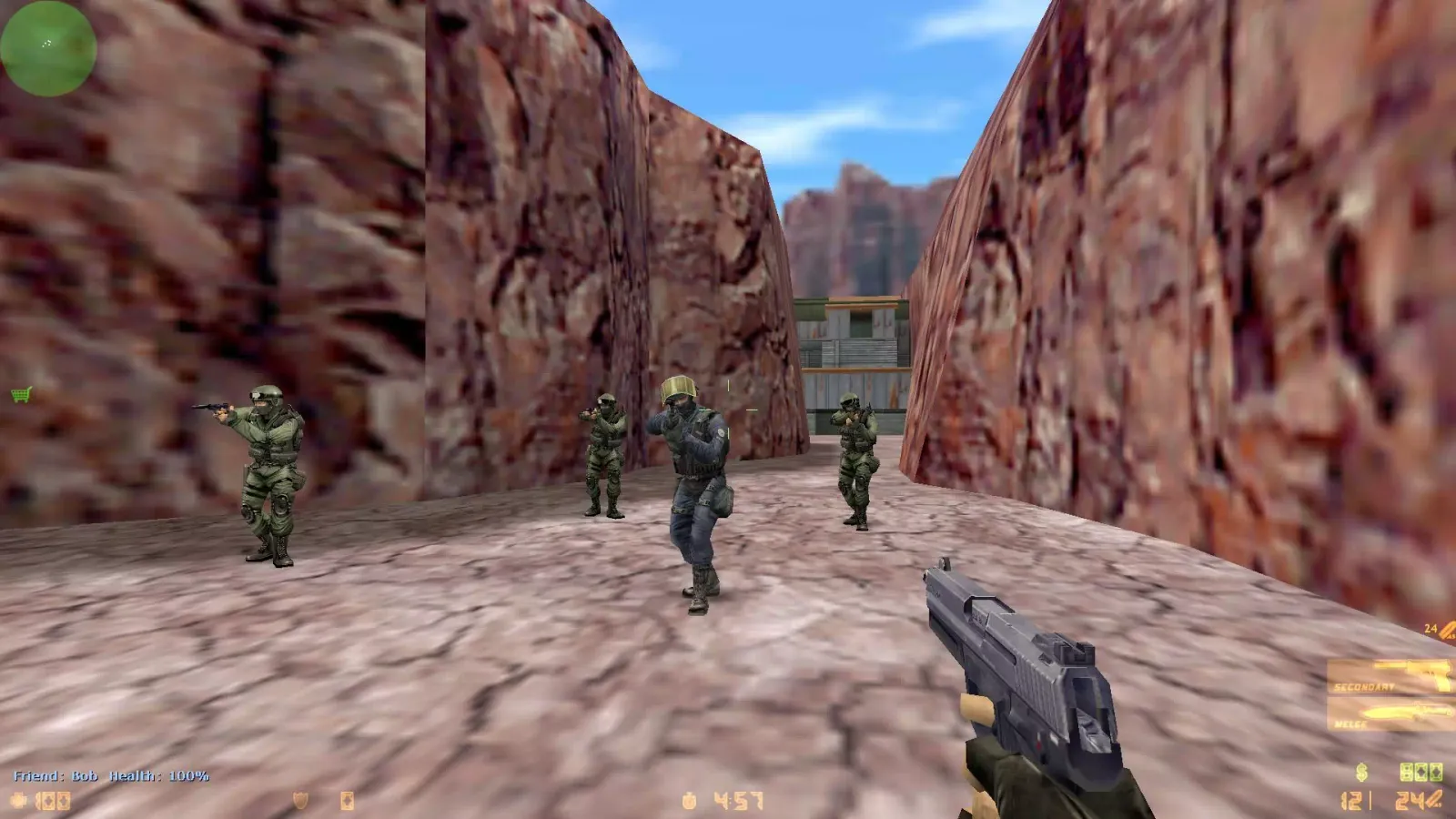
CS 1.6 Portable is Counter-Strike 1.6 that doesn’t need an installer. Unzip the archive, run the game — done. Nothing is written to the registry or system folders, so you can keep the game on a USB stick, run it on a school or office computer, or bring the same setup to every LAN party.
Why choose the portable version
- No installation, no admin rights — works where installers are blocked.
- Your config travels with you — binds, sensitivity and crosshair live in the game folder.
- Perfect for LAN — copy one folder to all PCs and everyone has an identical game (CS 1.6 portable LAN).
- Easy to remove — delete the folder and it’s gone.
How to run CS 1.6 Portable
- Press Download and save the archive.
- Unpack it to a folder or USB stick. Avoid paths with Cyrillic or special characters.
- Open the folder and run
hl.exe(or the build’s launcher). - For a LAN game: one player chooses New Game, the others go to Find Servers → LAN.
Portable vs installer
The installer versions (Original, GO Edition) create shortcuts and file associations, which is handy on your own PC. The portable version is better when you move between computers or can’t install software. The game inside is the same Counter-Strike 1.6.
Build info
| Windows | Windows 7, Windows 10, Windows 11 |
|---|---|
| Protocol | 47 / 48 |
| File | .zip, 213 MB |
| SHA-256 | 64ec4dea2274159045930ce672dc96a99d3e8f8f7604f7d68d7f9ffce9f52cdc |
FAQ
Do I need to install CS 1.6 Portable?
No. Unpack the archive to any folder or USB stick and run the game's exe file. Nothing is written to the registry.
Can I play LAN with the portable version?
Yes. One player creates a game with New Game, the others open the server browser, switch to the LAN tab and join. Everyone must be on the same local network.
Will my settings be saved?
Yes, settings and configs are stored inside the game folder, so they travel with you on the USB stick.
Similar builds
CS 1.6 Original
Windows 7 · Windows 10 · Windows 11
CS 1.6 GO Edition
Windows 7 · Windows 10 · Windows 11
CS 1.6 Warzone Edition
Windows 7 · Windows 10 · Windows 11