Download CS 1.6 with Bots — Play Offline
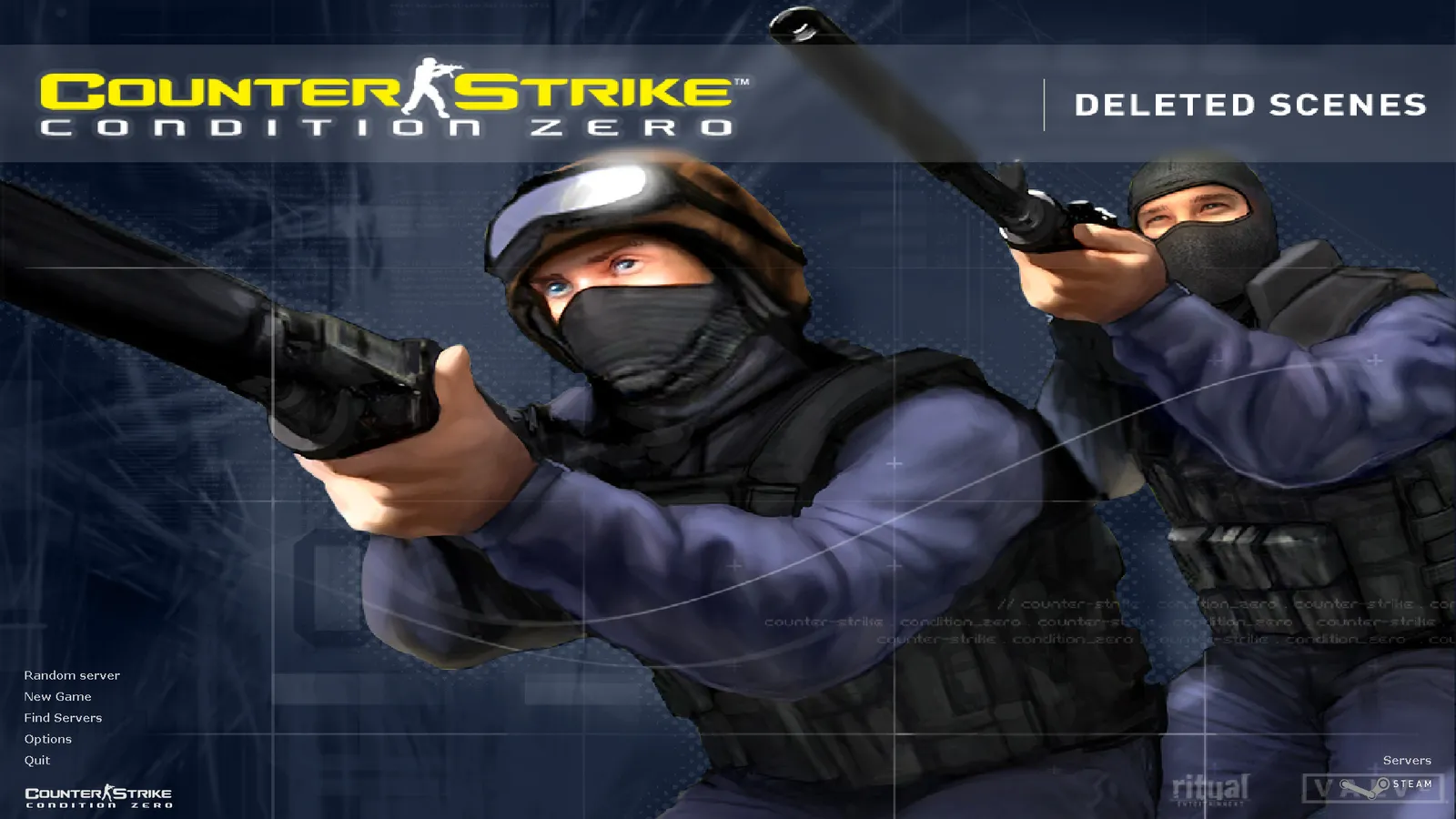
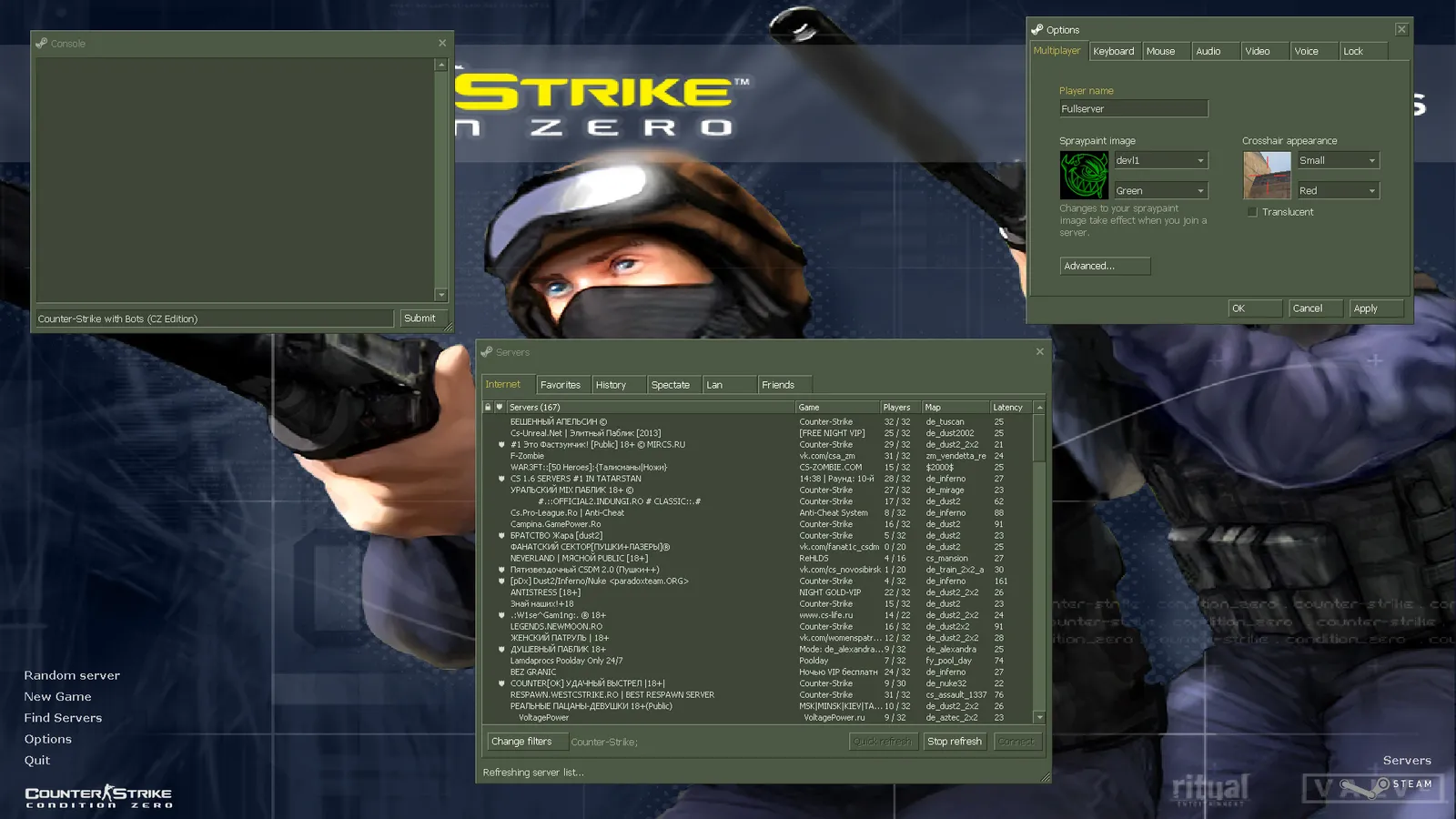
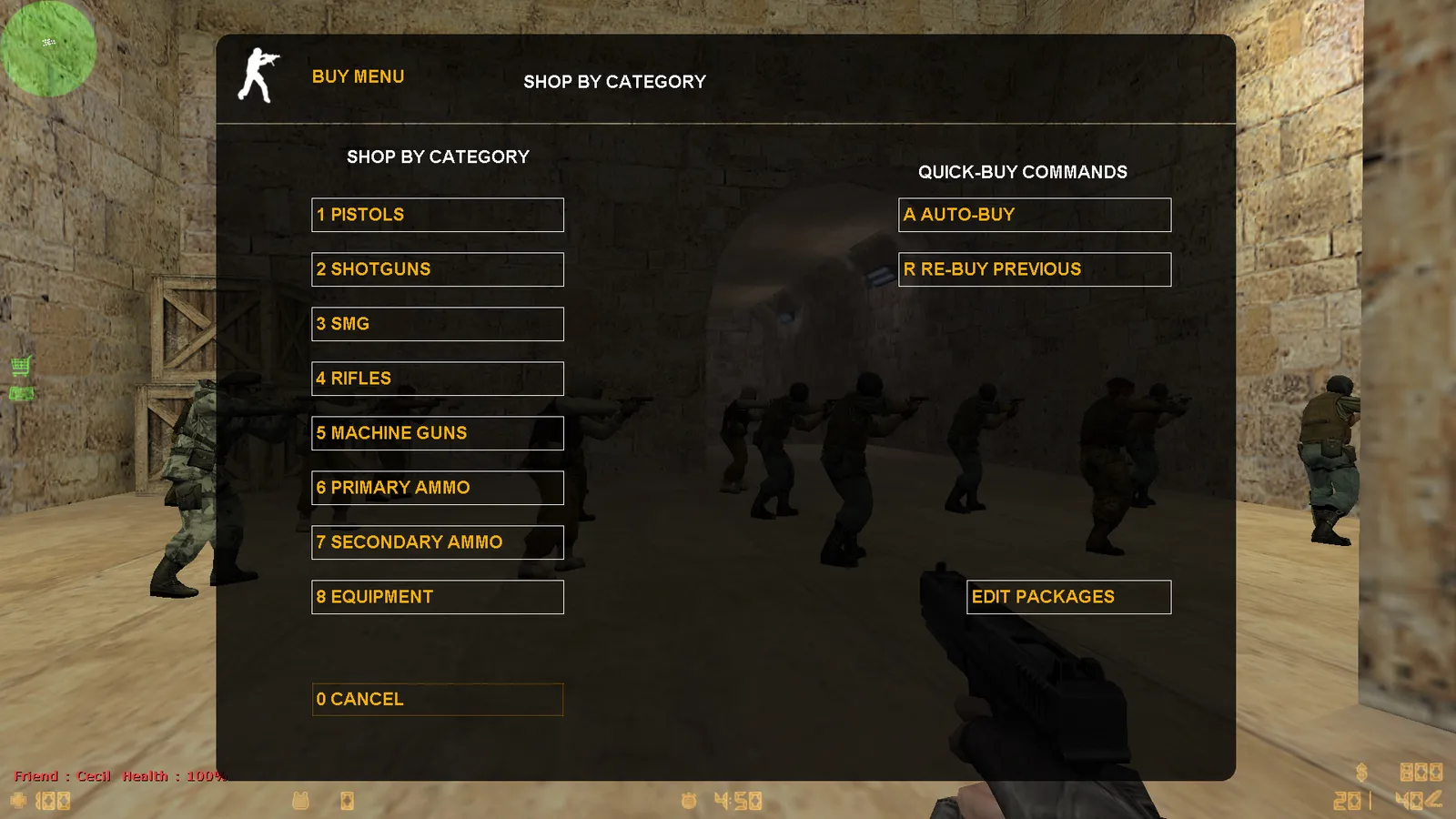
Counter-Strike 1.6 with bots lets you play the classic game offline: warm up before online matches, learn maps, practice sprays, or just play when there’s no internet. This build comes with ZBot — the smart bots from Condition Zero — already installed and set up, so you can start a match against bots right after the download.
What you get
- ZBot preinstalled — no extra files or plugins to copy.
- Bot menu on the H key to add bots to a team, kick them or change difficulty during the game.
- All standard maps with navigation meshes, so bots move properly on de_dust2, de_inferno, de_nuke and others.
- Online play too — bots only appear in games you create; on servers you play against people.
Quick start: play against bots
- Launch the game and click New Game.
- Pick a map, then open the Game tab and set the number of bots and difficulty.
- Press Start. During the game press H for the bot menu.
Useful bot commands
| Command | Effect |
|---|---|
bot_add_ct / bot_add_t |
Add a bot to CT / T |
bot_kick |
Remove all bots |
bot_difficulty 3 |
0 = easy … 3 = expert |
bot_quota 10 |
Keep 10 bots on the server |
bot_knives_only 1 |
Knife fights only |
bot_stop 1 |
Freeze bots for spray practice |
More commands and fixes (for example, when bots don’t move on a custom map) are in the bots guide.
Other builds with bots
Every build on this site includes bots, but some add more on top: the Zombie Edition turns bots into zombies, and the GO Edition gives you CS:GO-style weapons for the same offline matches.
Build info
| Windows | Windows 7, Windows 10, Windows 11 |
|---|---|
| Protocol | 47 / 48 |
| File | .exe, 334 MB |
| SHA-256 | 37535500084f6cbae537528c19f4a3595834879de2c29ca5beb102eb0a9e77e1 |
FAQ
Can I play CS 1.6 offline with bots?
Yes. Start a New Game, choose a map and add bots — no internet connection is needed.
Which bots are in this build?
ZBot, the bot system from Counter-Strike: Condition Zero. They buy weapons, use grenades, follow the bomb objective and have difficulty levels from easy to expert.
How do I add or kick bots?
Open the console with ~ and type bot_add_t or bot_add_ct to add, bot_kick to remove all. The full list is in our bots guide.
Similar builds
CS 1.6 Original
Windows 7 · Windows 10 · Windows 11
CS 1.6 GO Edition
Windows 7 · Windows 10 · Windows 11
CS 1.6 Warzone Edition
Windows 7 · Windows 10 · Windows 11