Download CS 1.6 NextClient
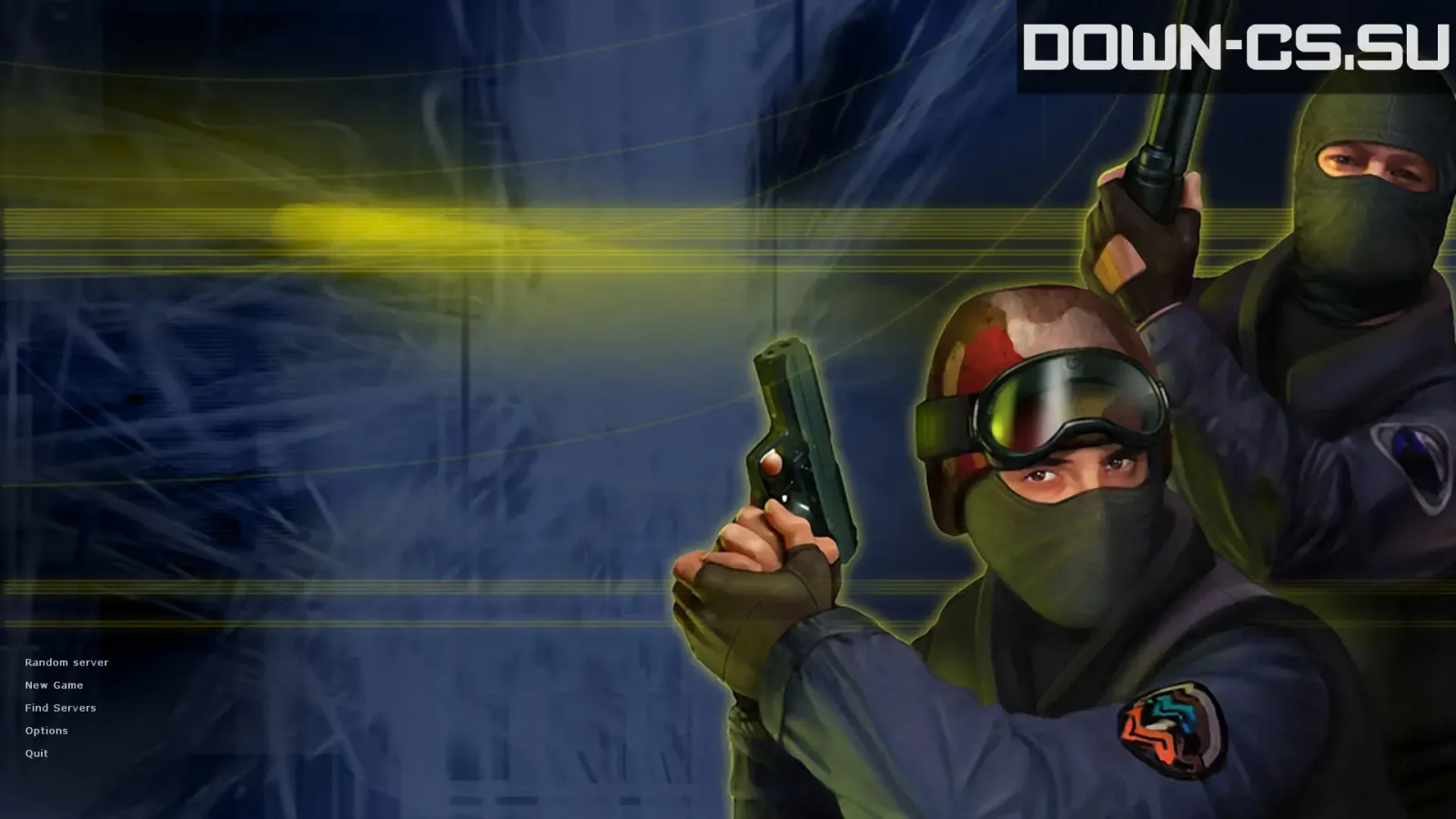
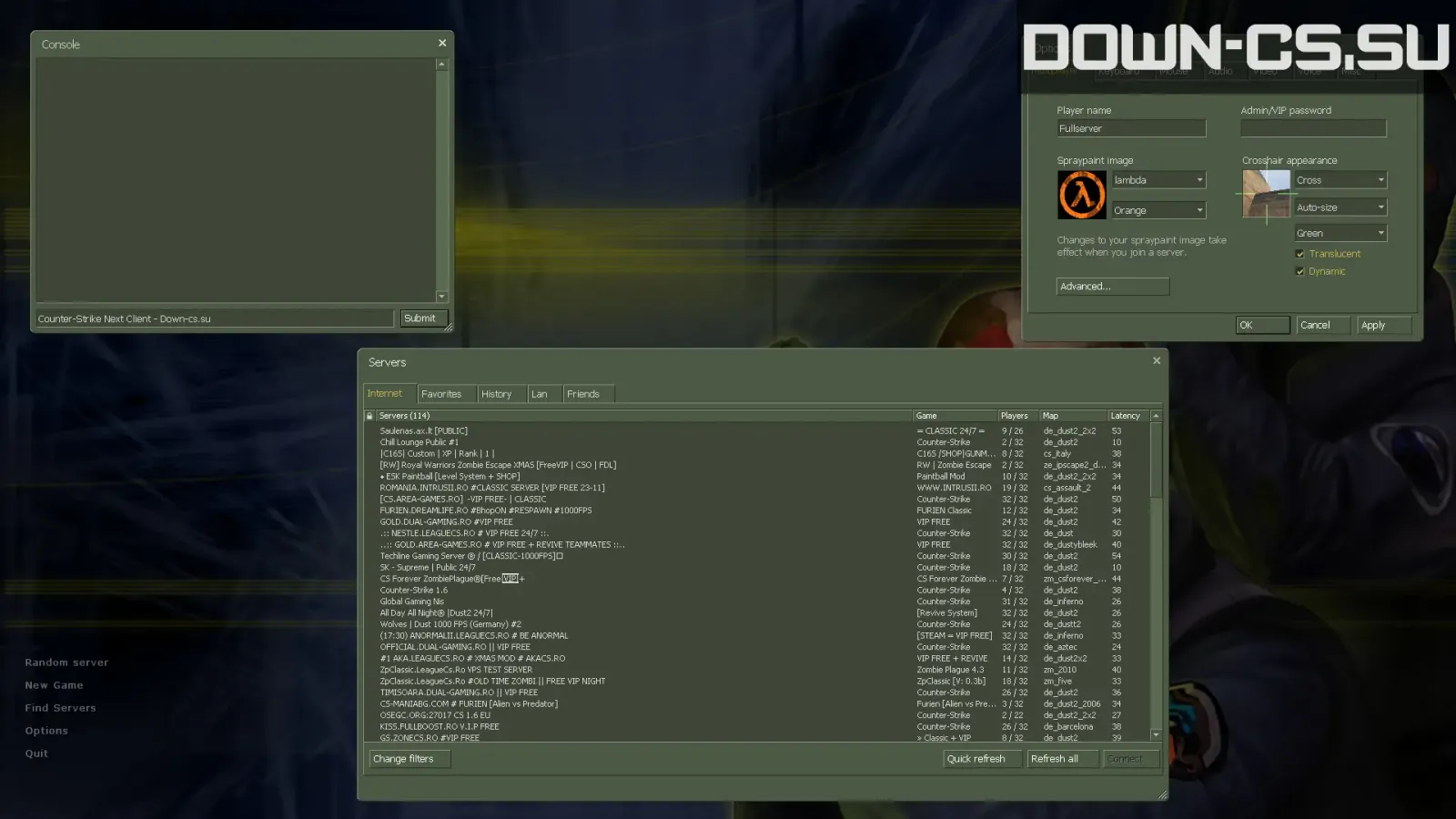
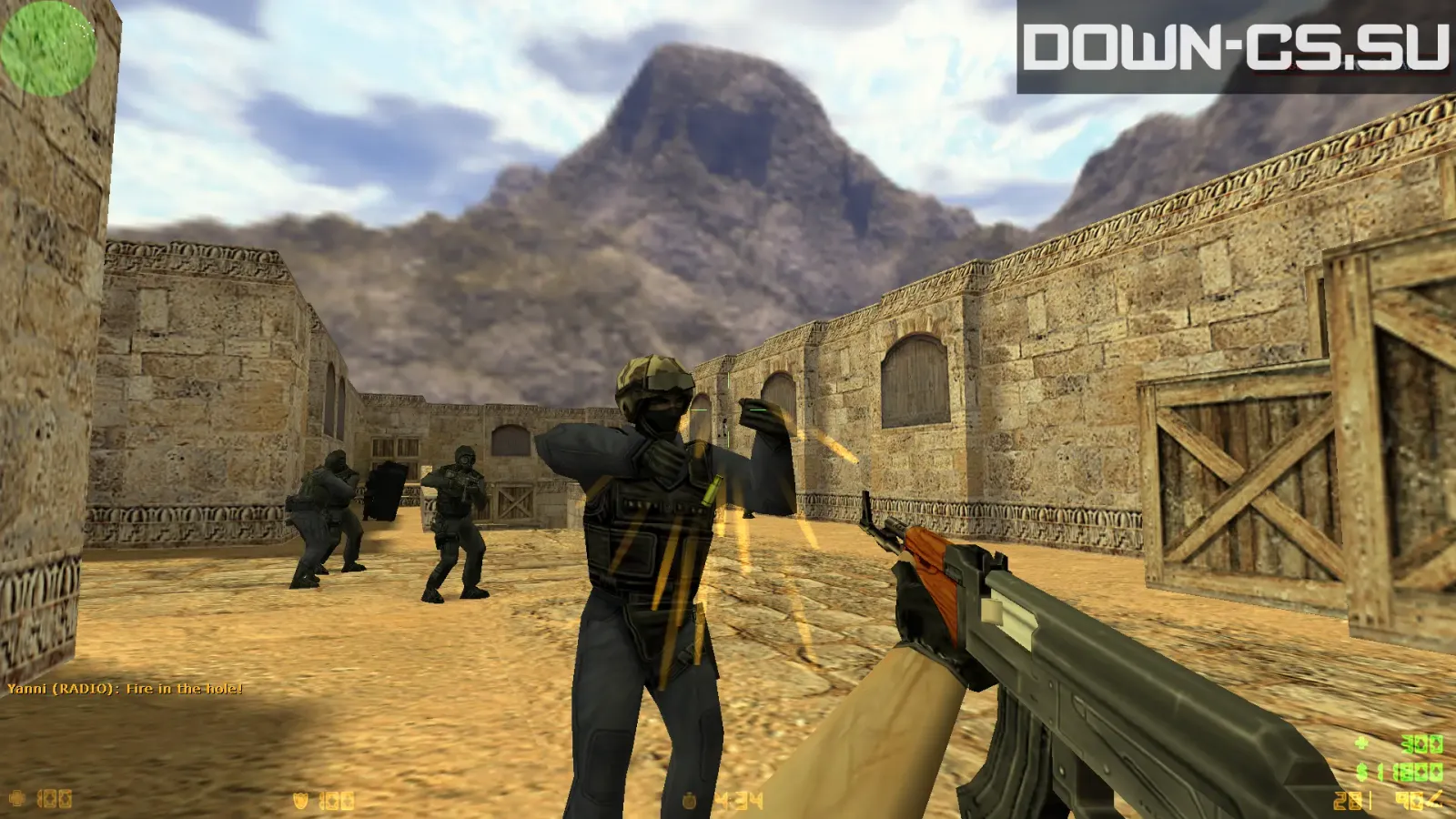
CS 1.6 NextClient is a modern client for Counter-Strike 1.6. It runs the same game — same maps, same movement and recoil — but adds conveniences that the 2003 client never had. Builds based on NextClient are among the most requested cs 1.6 client downloads for Windows 10 and 11.
What NextClient adds
Features vary by version; builds based on it are known for things like:
- modern crosshair options, including CS2-style crosshairs;
- improved chat with support for more languages;
- player avatars and other interface upgrades;
- better behavior on high-resolution monitors.
The gameplay is not changed, so you stay on equal terms with players on the classic client.
NextClient vs classic client
| Classic 1.6 client | NextClient | |
|---|---|---|
| Gameplay | Original 1.6 | Original 1.6 |
| Interface | 2003 style | Modernized |
| Crosshair | Basic settings | Extended, CS2-style |
| Servers | All | All (extras on supported servers) |
Prefer the untouched game? Take the Original. Looking for a CS 1.6 client for your phone? See CS 1.6 on Android.
How to install
- Press Download and run the file.
- Choose an install folder with a Latin-only path.
- Start the game and set your nickname and resolution in Options.
Build info
| Windows | Windows 10, Windows 11 |
|---|---|
| Protocol | 48 |
| File | .exe, 238 MB |
| SHA-256 | fcb8cad6758472ac5feaa52a7ce5a5c3fc2d5b9c146ec6c28920a1af9d3736d4 |
FAQ
What is NextClient in CS 1.6?
NextClient is a community-made modern client for Counter-Strike 1.6. It keeps the 1.6 gameplay and adds quality-of-life features on top of the classic engine.
Is NextClient an Android client?
No, this is a Windows client. To play CS 1.6 on a phone, see our Android guide.
Can I join normal servers with NextClient?
Yes, NextClient connects to regular CS 1.6 servers. Some features work only on servers that support the client.
Similar builds
CS 1.6 Original
Windows 7 · Windows 10 · Windows 11
CS 1.6 GO Edition
Windows 7 · Windows 10 · Windows 11
CS 1.6 Warzone Edition
Windows 7 · Windows 10 · Windows 11